
Determining the Reported Angle Dimension in CAM2
Overview
This article explains how to determine the Reported Angle Dimension in CAM2.
Procedure
CAM2 allows you to calculate the angle between features you select.
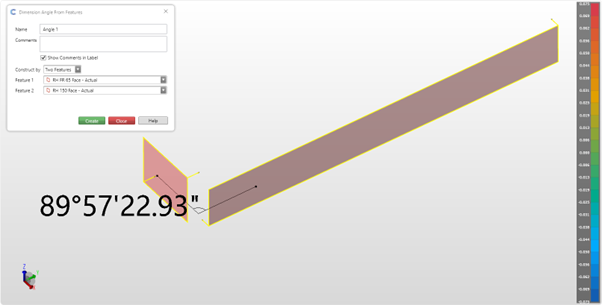
The angle calculated is based on:
- The angle will be less than 180 degrees
- Only positive angles
- The shortest angle between 2 positive vectors. This means that if the angle it reports is the supplement of what you want (180 minus the angle), then flip the vector of one of the planes or lines in the dimension.
Keywords:
angles, angling, angle, dimensions, dimension