
Saving a CAD File to a QuickTools Program in CAM2
Overview
This article explanes how to save a CAD File to a QuickTools Program in CAM2.
Procedure
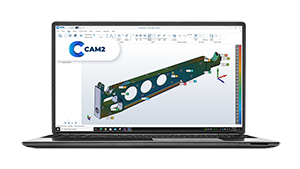
To include a CAD model into a QuickTool, simply import the CAD model into CAM2 and save the file (recommended to use the fcdx format).
This will automatically make the CAD model available for any QuickTool programs that you create in the same file.
Keywords:
QT, CAM2, macro, SCT, IGES, parasolid, x_t, x_b, STEP, import